It’s not a mistery that I learned a lot thanks to very old books, available through out the internet (Internal Archive, I love you!).
However, from here and there, I need to have some pages printed: I hate not being able to reach the right information wherever I want it, and I’m very bad at memorizing where is that book, what name it does have (which are almost the same “dressmaking” title in it) and what page I need!
But the problem now come: scan of very old books are horrible to print.
They are yellowish, with blurred text most of the time and black spots. You end up with a lot of yellowish pages, horrible text (hieroglyphs in comparison are easier to understand) and waisted yellow ink.
And now comes the funny part…
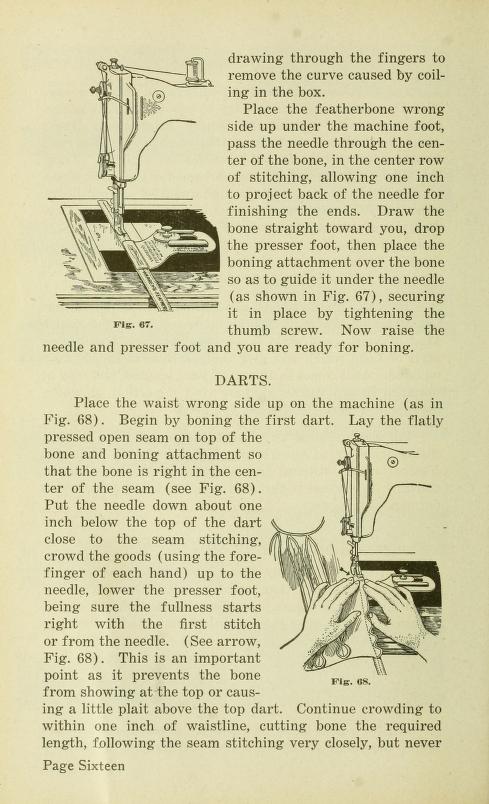
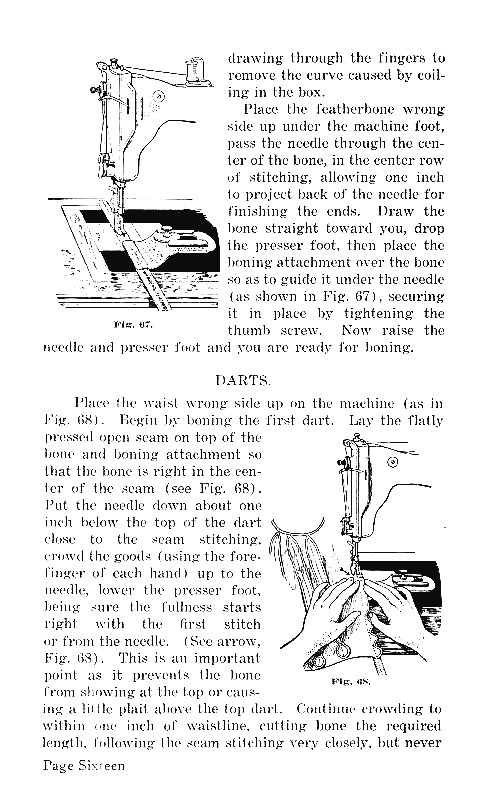
A very kind spirit, wrote a guide on how to modify these old scans.
I immediately downloaded this program (XnConvert) and played around with actions. I leave mine, so you can test them on your scan:
Go to Actions panel — Add action:
- White balance: Cut limit = 0,4 | Contrast = 0.70
- Gammasat: Intensity = 0,10
- Levels: Luminance – Black line = 37 | White line = 218 (leave output as default)
- HLS: Hue = 0 | Lightness = 2 | Saturation = -6
- Black/White Points: Black point = 0 | White Point = 160
I’m thrilled by this program! I really hope you may find it useful!
 lauranicolin.com